
Guide to Change SRD Phone Number Online 2026
Waiting for an OTP that never arrives on your phone can feel incredibly frustrating when you need to check your grant status. Many people lose access to their money simply because they switched SIM cards or lost their old device.
A minor issue can escalate into a significant problem, causing you to worry about managing your daily expenses and basic needs. We understand how frustrating this situation can be, but the good news is that you can easily resolve it on your own.
To regain access to your monthly relief funds, you must complete the change SRD phone number process with SASSA. The official update links your active, current smartphone digits to your existing grant profile so communication can resume.
The system requires this change to protect your personal data and ensure that payments reach the correct person. Once you finish this update, the government can easily send your crucial payment notifications and validation codes.
We will help you to change your SRD phone number in a simple and stress-free way. So you can follow each step carefully.
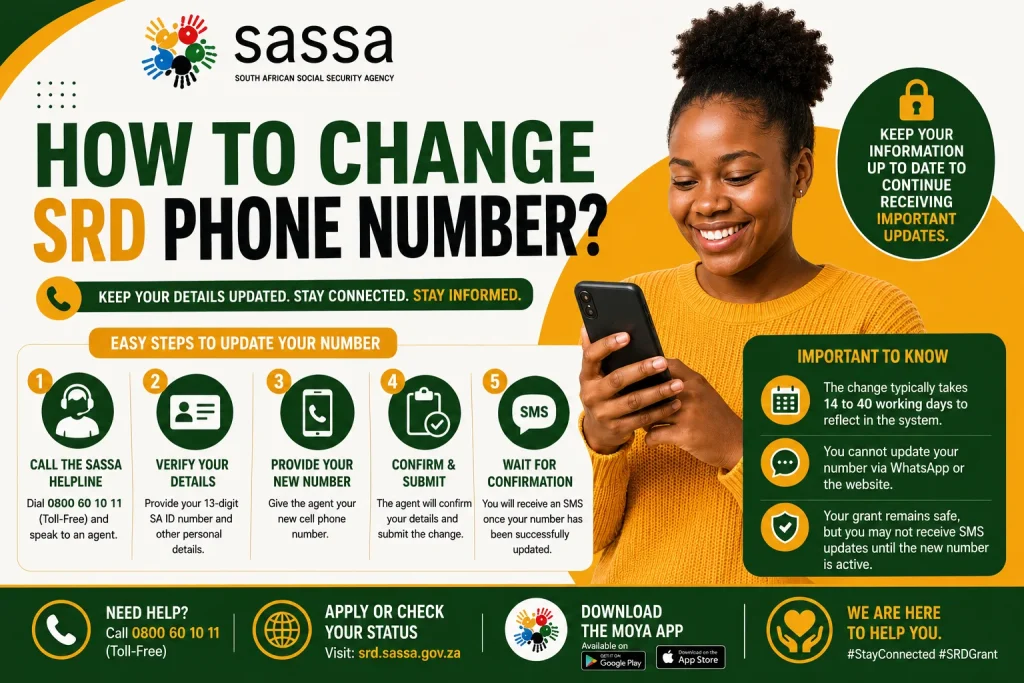
Why You Must Keep Your SRD Phone Number Updated?
Your registered mobile number works as the primary security between you and your monthly grant payments. If SASSA sends an important SMS notification or a payment voucher code to an old, inactive number, then you will completely miss out on your funds. Criminals can sometimes take control of lost SIM cards, which can put your personal grant funds at serious risk. Because SASSA needs this number to confirm your identity, keeping it updated is the best way to avoid random delays with your payouts.
How to Change Your SASSA SRD Phone Number (With Application ID)?
Losing access to your primary contact number can be fixed easily if you still have your official reference details available. Your unique reference code helps speed up system verification a lot. Follow these simple steps to complete your update:
- Visit the Portal: You can open your web browser and go to the official SASSA SRD online portal.
- Verify Your Identity: Scroll to the contact update section and enter your 13-digit ID and Application ID.
- Provide New Number: Submit the form to find your profile, then type in your new mobile contact digits.
- Receive the OTP: Enter the reason for the change and wait for a security code text on your new phone.
- Confirm and Save: Type the incoming OTP back into the portal to finalize and save your changes instantly.
Many beneficiaries lose their reference details, but there is no need to panic. The system offers alternative ways to recover your account using your standard ID. We will show you how to proceed without the reference code.
- Go to the main SASSA SRD web page using your computer or a mobile device.
- Click on the section designed for users who need to update their profile details.
- Input your correct 13-digit South African ID number to start the identity search.
- Select the option to verify your identity through your full legal name and answer the security questions.
- Fill in the new mobile digits you want to link to your grant file.
- Check your new phone for a text message and click the secure verification link to save your changes.
Can You Change Your SASSA Phone Number Without the Old Number?
You might think losing your SIM card will permanently block access to your government profile. However, the portal does not require OTP access on your old number to update it. Below, we will guide you through safely setting up your new contact number.
- Visit the official online platform to initiate the contact update process.
- Provide your standard identity number to load up your personal grant page.
- Choose the option stating that your previous mobile line is no longer active or available.
- Complete the strict biometric facial recognition check or answer the knowledge-based questions to verify yourself.
- Type your fresh smartphone digits into the designated field very carefully.
- Receive the system confirmation text on your new device within a few moments.
- Enter the received code on the webpage to successfully detach the old number.
Final Word
Taking care of your contact information ensures that your monthly grant money arrives safely without any unexpected interruptions. We hope this breakdown gives you the confidence to log onto the portal and change your SRD phone number today. Keep your details safe, double-check your inputs, and enjoy hassle-free access to your funds.