
How to Appeal a Declined SASSA SRD Grant
Start with the exact month SASSA declined. The decision may give a reason you recognise or one you want the Independent Tribunal for Social Assistance Appeals (ITSAA) to review. Save the decision date and reason before opening the Department of Social Development’s appeal service.
When an SRD appeal applies
Use this process if you applied for the SRD grant, received a declined decision and disagree with that decision. If the month is still pending, follow the status first. If the issue is a typo or a lost SIM, find out how to correct your existing record and check any appeal deadline that applies to a decision already issued.
Check the deadline for each decision
The official DSD appeal instructions advise lodging within 30 days and specify a 90-day outer limit. Act as soon as you receive the decision. If October and November were declined on different dates, keep a separate deadline and confirmation for each month.
How to submit the appeal online
- Check your decision on the official SASSA SRD portal. Record the month, reason and date.
- Open the DSD appeal service from SASSA’s portal or through the official appeal link above. Read its instructions before entering any information.
- Check that the personal and contact details shown are correct. If the mobile number on your application is unavailable, follow SASSA’s official phone number update process.
- Select the declined month and complete the fields and reason options shown. Submit one appeal for each month you dispute.
- Keep any acknowledgement the service gives you. Record the submission date so you can check your appeal status later.
What to check in the decline reason
If the decision mentions income or another benefit, make a note of why you believe it was incorrect for the specific month. If it relates to details on your application, check what the official record shows before filing. Follow the portal’s instructions on what you can provide and keep your ID number and financial details within official channels.
Do you need a new application to dispute a decline?
The appeal asks the tribunal to review a decision that already exists. If SASSA says there is no application on record or asks you to apply again, see the reapplication and account updates guide for that situation.
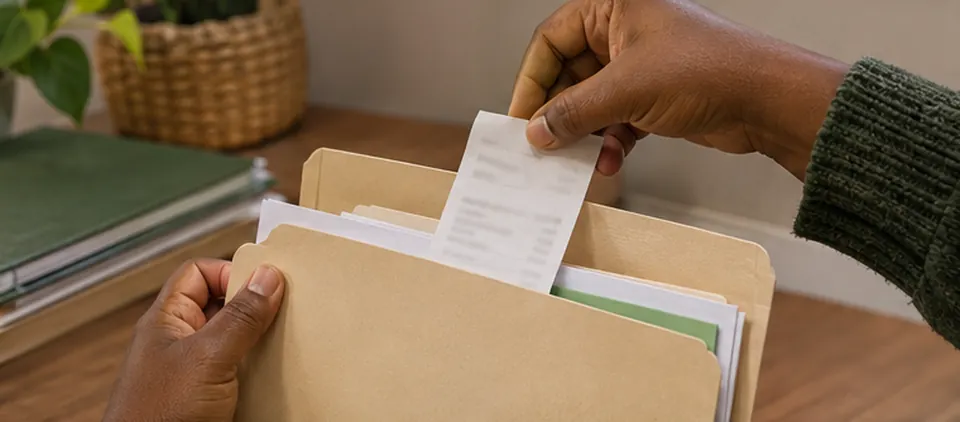
Prepare a short note for each declined month
For each month, record the status wording, date of the decision or notification, and the reason shown. Then write one or two sentences explaining why you believe that specific decision is wrong. If you want to refer to a document, make sure it relates to the period under review. Follow the official portal’s instructions on what it accepts. This preparation helps when two months have different reasons. Keep your notes private, especially if they contain details about income, other benefits or your identity.
Example: October and November were both declined
Assume the October decision cites income and the November record shows a different reason. Start by checking both dates so you know when to act. Prepare the October appeal around the October decision and handle November separately. When you submit, verify the selected month before confirming each appeal. Keep the two acknowledgements in a way that makes their months easy to identify. If you later check the tribunal’s response, an October outcome only answers the October appeal. Continue tracking November using its own filing date.
If your mobile number changed before you could appeal
Check which number is on your existing record and whether you can receive messages on it. The DSD instructions ask applicants to verify their contact details because an outcome is sent electronically. If you cannot use the original number, follow SASSA’s official phone update guidance and ask for help promptly if an appeal deadline is approaching. Record when you requested the update and any support reference. Once you can access the appeal service, confirm that the details shown there are usable before you finish filing.
If the appeal page stops before you get confirmation
Note when the error happened and which stage you reached. Reopen the official service and check the appeal status for that month before assuming the request was received. If you still cannot tell whether the filing went through, use the government service’s contact details and describe the screen and time. Keep an acknowledgement if one appears. A screenshot containing your ID or other private information belongs in your own records. Share it with an official support channel only if the agency requests it.
Can changing banking details reverse a decline?
A bank update changes the payment information associated with your record. An appeal asks the tribunal to review a decision for a particular month. Check the stated reason and use the appeal process if you disagree. If the official record separately asks for updated banking or identity details, address that prompt too. Keep track of what you filed and what you updated so you can distinguish a confirmation about account information from confirmation that the tribunal received your appeal.